YouTube · sent by email
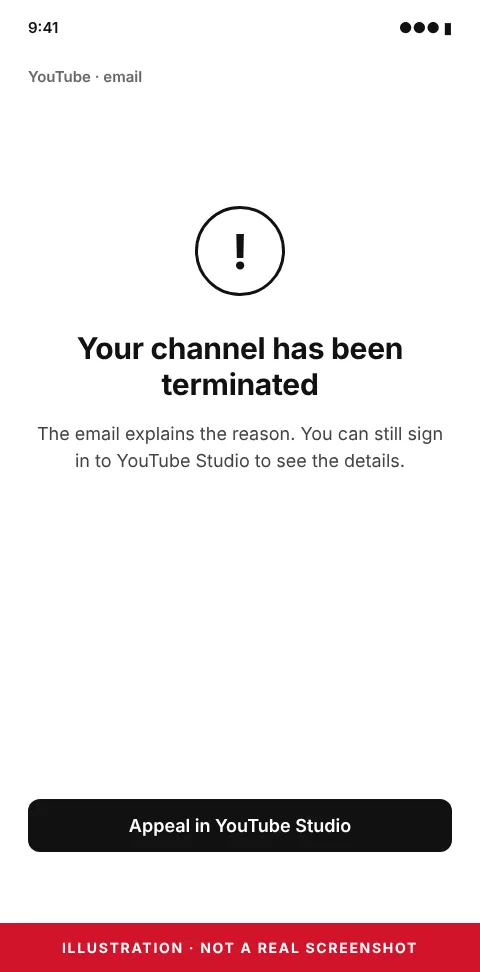
Your channel has been terminated
The email explains the reason. You can still sign in to YouTube Studio to see the details.
Appeal in YouTube Studio
Different wording on your screen? Paste it into the notice decoder →
Short answer
Sign in to YouTube Studio: the termination details and the appeal are there. You have up to one year from the termination date to appeal, there is a limit on how many times you can appeal, and YouTube asks you to submit only once. If the termination came from copyright strikes, the route is a counter-notification, not a normal appeal.
Where to appeal
The termination email names the reason. In YouTube Studio you can review it and submit an appeal; if that flow is not available, YouTube provides a form. YouTube’s page on terminations: support.google.com/youtube.
Writing the appeal
- Answer the exact policy the email names; a general description of the channel does not help.
- Be short and factual, and point to the videos or events concerned.
- Save the email, the termination date and the text you sent.
Copyright terminations
When the termination comes from copyright strikes, each strike is answered with a counter-notification, a legal process. If the web form is not available for a terminated channel, YouTube accepts counter-notifications by email, fax or post.
What not to do
- Do not create or use another channel: YouTube’s terms prohibit it after a termination, and it can be terminated too.
- Do not submit the appeal more than once.
Frequently asked questions
How long do I have to appeal?
Up to one year from the date the channel was terminated, according to YouTube.
How will I hear back?
YouTube notifies you of the outcome by email.
Can I start a new channel?
Not while the termination stands; YouTube prohibits using or creating other channels after one is terminated.